Introduction
Artificial Intelligence is changing how people work, learn, and earn online in the United States. One of the most powerful tools available today is ChatGPT. But if you’re just starting out, it can feel overwhelming.
This complete guide will teach you how to use ChatGPT for beginners in the easiest way possible. Whether you’re a student, freelancer, or small business owner, you’ll learn how to use it effectively and get real results.
What Is ChatGPT?
ChatGPT is an AI-powered chatbot that helps you complete tasks using simple text instructions.
You can use it to:
- Write articles, emails, and resumes
- Generate business ideas
- Solve problems and answer questions
- Learn new skills
- Automate daily tasks
It works like chatting with a smart assistant—you ask, and it responds instantly.
Why ChatGPT Is Useful for Beginners
If you’re new to AI, ChatGPT is one of the easiest tools to start with.
Key Benefits:
- No technical skills required
- Saves hours of work
- Improves productivity
- Helps you make money online
- Available in free and paid versions
Step-by-Step Guide: How to Use ChatGPT for Beginners
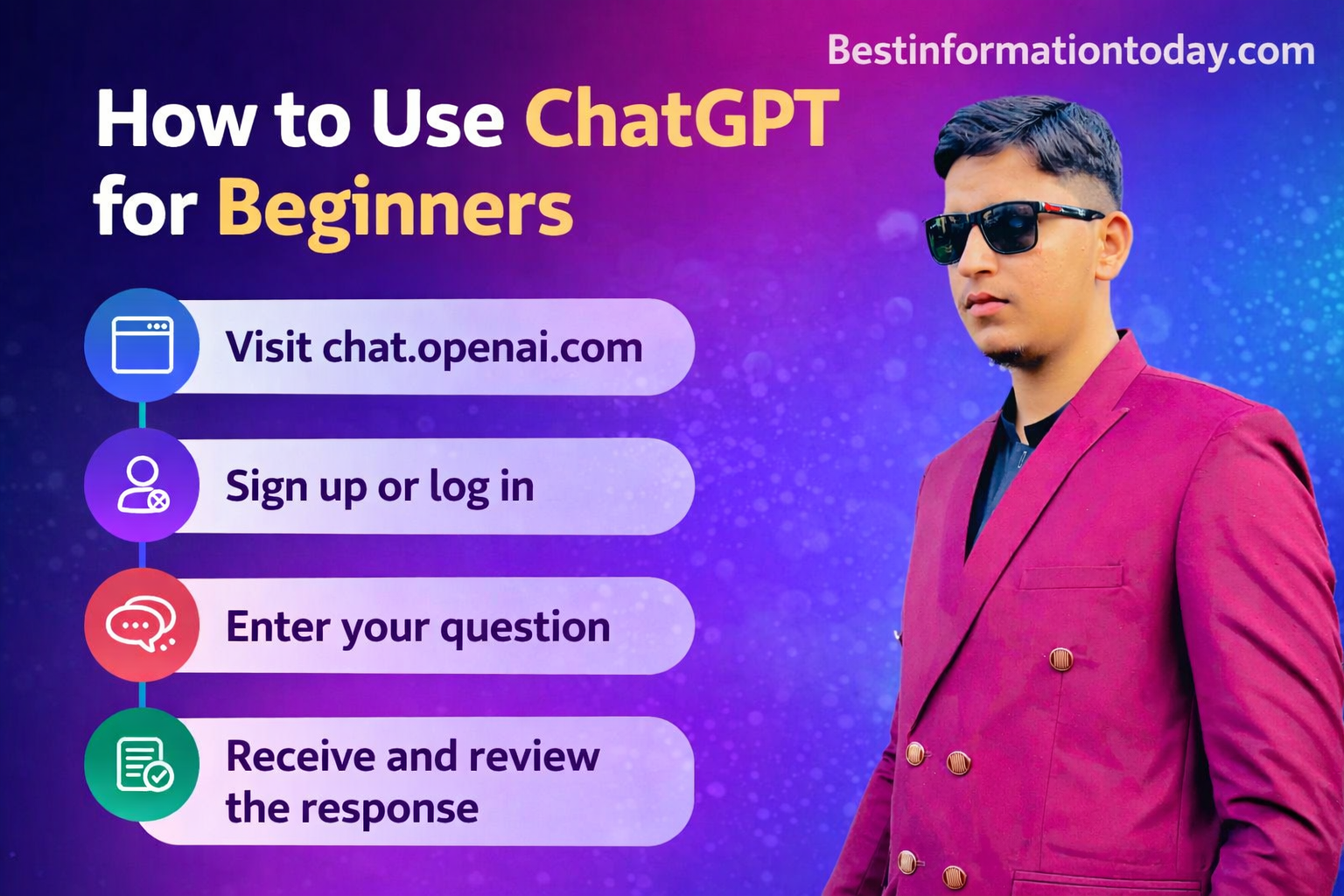
If you want to understand how to use ChatGPT for beginners, follow these simple steps:
Step 1: Create Your Account
- Visit the ChatGPT website
- Sign up using your email or Google account
- Choose between free or paid plan
Step 2: Understand the Dashboard
Once logged in, you will see:
- Chat box (type your question here)
- Sidebar (previous chats)
- Settings (customize your experience)
Step 3: Start With Simple Prompts
Begin with basic questions like:
- “Write a professional email for a job application”
- “Explain digital marketing in simple terms”
- “Give me business ideas in the USA”
Tip: Always be clear and specific.
Step 4: Improve Results With Follow-Ups
You can refine answers by saying:
- “Make it shorter”
- “Add examples”
- “Explain in simple English”
Step 5: Practice Daily
The more you use ChatGPT, the better results you’ll get.
Best Ways to Use ChatGPT (Beginner-Friendly)
Here are some practical use cases for beginners in the US:
Work
- Write emails and reports
- Create presentations
- Generate marketing ideas
- Draft business plans
Students
- Summarize study material
- Get homework help
- Learn difficult topics
- Improve writing skills
Making Money Online
- Freelancing (content writing, copywriting)
- Blogging
- Affiliate marketing
- YouTube script writing
Everyday Life
- Plan meals and budgets
- Create workout routines
- Plan trips in the US
- Get productivity tips
ChatGPT Free vs Paid: Comparison Table
| Feature | Free Version | Paid Version (~$20/month) |
|---|---|---|
| Speed | Standard | Faster |
| Accuracy | Good | More advanced |
| Features | Basic | Advanced tools |
| File Upload | Limited | Available |
| Best For | Beginners | Professionals |
Tips to Get the Best Results
To fully master how to use ChatGPT for beginners, follow these expert tips:
Be Specific
Instead of:
- “Write something about business”
Say:
- “Write a 500-word blog on small business ideas in the USA”
Give Clear Instructions
Include:
- Tone (professional/casual)
- Audience (students/business owners)
- Format (list/guide/article)
Break Tasks Into Steps
- Ask for outline first
- Then expand each section
- Then edit and refine
Always Review Content
ChatGPT is powerful, but you should always:
- Edit for accuracy
- Add personal touch
- Customize for your audience
Common Mistakes to Avoid
Avoid these beginner errors:
- ❌ Writing unclear prompts
- ❌ Copying content without editing
- ❌ Expecting perfect answers instantly
- ❌ Not using follow-up questions
Real-Life Examples (USA)
Example 1: Freelancer
Prompt:
- “Write a Fiverr gig description for logo design services”
Example 2: Student
Prompt:
- “Explain the American Revolution in simple English”
Example 3: Small Business Owner
Prompt:
- “Create a marketing plan for a coffee shop in California with $500 budget”
Advanced Features to Explore Later
Once you’re comfortable, try:
- AI image generation
- File uploads and analysis
- Automation tools
- Data handling
FAQs: How to Use ChatGPT for Beginners
1. Is ChatGPT free in the USA?
Yes, there is a free version. Paid plans offer more features for around $20/month.
2. Do I need any technical skills?
No, beginners can use ChatGPT easily without any coding knowledge.
3. Can I make money using ChatGPT?
Yes, many people use it for freelancing, blogging, and online businesses.
4. Is ChatGPT safe to use?
Yes, but avoid sharing personal or sensitive information.
5. How can I get better results?
Use clear prompts, ask follow-up questions, and practice regularly.
6. Can ChatGPT replace human work?
No, it’s a tool to assist—not replace—human creativity.
Conclusion
Learning how to use ChatGPT for beginners can completely transform the way you work and learn. From writing and research to making money online, the possibilities are endless.
Start simple, practice daily, and improve your prompts over time. The more you use ChatGPT, the more powerful it becomes.
👉 In today’s digital world, those who learn AI tools early will have a strong advantage.